Safe AI for Kids: How to Use AI With Your Child at Every Age
Age-by-age guide to using AI safely with your child. From sitting together in elementary school to stepping back in high school.
As with everything with our kids, we learn together. With our younger kids, we sit on the floor with them and show them how to build with magnet tiles. As they grow, we no longer get on the floor, but instead we give them ideas: “why don’t you build a castle for all your animals?” Then, something magical and appropriate happens: they start to come up with their own ideas and build on their own.
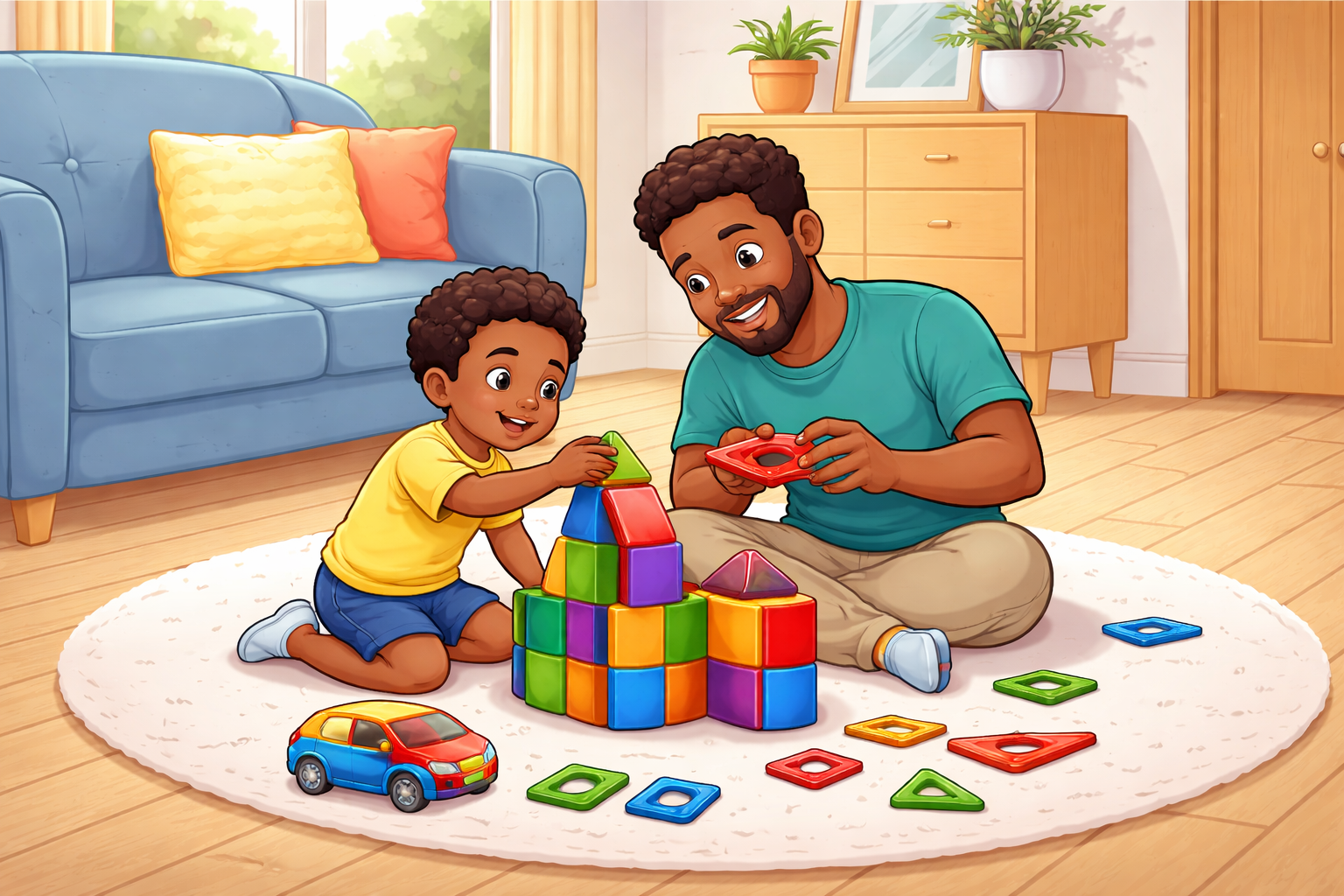
The same should be true with AI. When our children are ready to try AI, we should sit with them and learn together. As they get some experience, we can suggest to them and watch from a distance. With mastery, we trust them to initiate and come to us with questions. All the while, we can still see what they’re doing.
Here are some ideas that you can do with your children at the different stages of growth.
Older Elementary: Exploring AI Together
A great exercise to explore AI for the first time is to “interview a historical figure.” Sit with your child and interact with the chatbot together. Tell the AI to take on the persona of Benjamin Franklin, Harriet Tubman, whoever your child is learning about.
Then ask questions together. “What was your biggest fear?” “What did you eat for breakfast?” You help shape the follow-up questions, steer when the conversation stalls, and flag hallucinations, when the AI speaks confidently but incorrectly.
It’s low stakes, genuinely fun, and will likely spark follow-up conversations about history. You do the driving. Your child picks the destination. Because you’re sitting together, the supervision feels natural.
Middle School: AI as a Study Partner
As our kids get familiar with AI and technology, we can point them in the right direction and step away. For our middle schoolers, a nice activity to try is creating study guides. You can tell your child, “You have a science test Friday on ecosystems. Use MyDD to build yourself a study guide.”
Your child asks the AI to explain concepts, creates questions for themselves, and clarifies things they’re confused about. You can check the conversation later through the dashboard (MyDD’s parent dashboard lets you review these conversations later. Try it free for 14 days.) to see what they struggled with and what they already understood, so you can help later.
This activity models the right way to use AI for school: as a study partner, not an answer machine. It solves a real problem, gives your kid genuine autonomy in how they learn, and the dashboard review gives you something actionable.
High School: Independent AI Use With Guardrails
Our high schoolers should sometimes be able to find uses for AI on their own. We can still make recommendations. For example, they can pressure test their arguments before they submit an assignment.
If your child is writing an essay or preparing for a class debate, they can use MyDD to argue the opposing side. “I’m writing a paper that social media should be banned for kids under 16. Argue against my position.” The AI pushes back and they refine their thinking.
You don’t need to be involved in real time. You can review the conversation later if you want, but the real value is our kids are learning to stress-test their own ideas independently.
The autonomy is real. Your kid isn’t being monitored in the moment. But the visibility is there if you want it.
Three ages. Three levels of support. All positive uses of AI. This is how we’ve always parented and will continue to parent; AI should be no different. To begin, “get on the floor” with your children and use AI together. As you both get more comfortable, plant the seeds and watch them figure it out from there. Once they learn how to use it, get ready to be surprised by what they build and teach YOU.
As a data scientist and a dad, I built MyDD because I want to “get on the floor” with my kids while they use AI for the first time and eventually allow them some autonomy while still being in the loop. Try one of these tonight. Start a free 14-day trial at MyDD (plans start at less than $7/month when purchased annually).